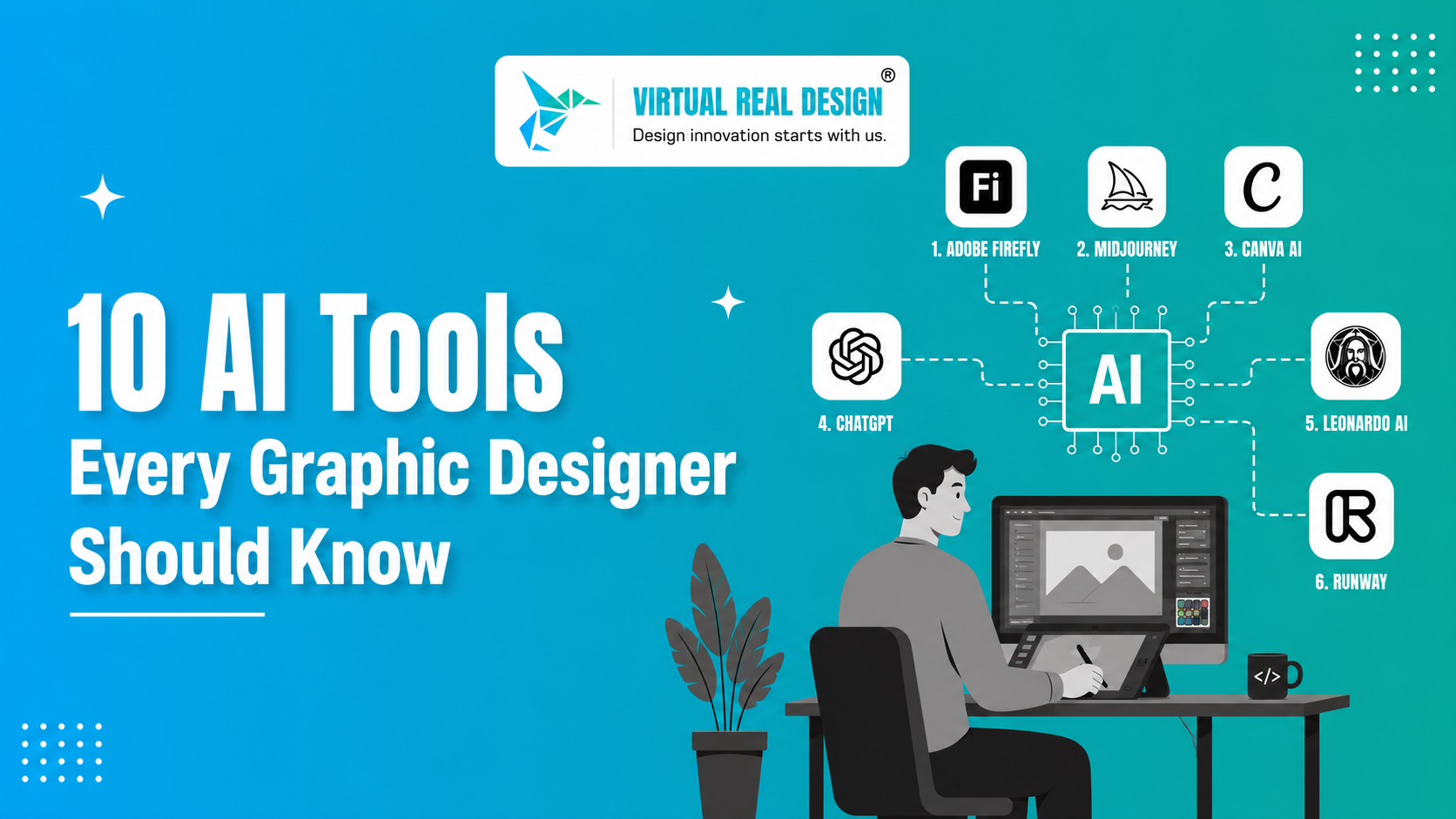
Artificial Intelligence (AI) is transforming the graphic design industry faster than ever. Generating graphics and automating time-consuming tasks allow designers to spend time on new ideas and work at unprecedented speeds. With project deadlines getting tighter and client expectations getting higher, using the most powerful AI graphic design tools in 2026 has become essential for freelancers, agencies, and every Graphic Designer Company in India looking to stay competitive.
The right AI tools can add time back to your work day, increase your creativity, and streamline your design tasks no matter where you work or what you do in design. Unfortunately, the most powerful tools can be the hardest to find from the hundreds of design tools that all have AI integrated in them.
In this guide, we review the AI tools that have outperformed the competition and the ways they will change the design realm forever. From image generation to branding and content creation to photo editing and UI design, this article serves as a guide to using the best AI tools for graphic designers in 2026.
Why AI Tools Are Essential for Graphic Designers in 2026
Gone are the days of using traditional software and relying heavily on manual processes. As the design industry leaps forward, designers are challenged to produce better work in a shorter time frame while balancing the quality and originality of their work.
There are many advantages of AI Design Tools including:
-
Greater speed to complete projects
-
Automation of tedious tasks
-
Creative ideas surfaced and expanded
-
Client collaboration and communication improved
-
Cost savings on design
-
Agile and flexible personalization of content
One common misconception is that AI is taking the role of the graphic designer. In reality, the introduction of AI has given graphic designers more time to implement and think through the business strategy as a whole, the story that needs to be conveyed, and the creative aspects of the task in hand.
Learn More : AI-Powered Graphic Design Tools: Enhancing Creativity and Efficiency
1. Adobe Firefly
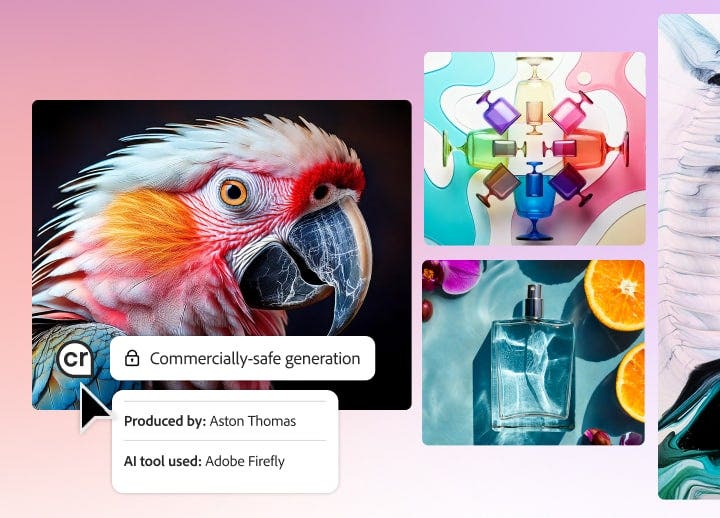
Firefly is part of Adobe Creative Cloud, an excellent AI graphic design tool and image generation application. Firefly Lets designers edit backgrounds, modify text effects, expand images, and do so much more, using prompts for everything.
Best Features
- Generative Fill
- Text-to-Image
- AI image edits
- Photoshop integration
- Ideal For
- Professional designers
2. Midjourney

Midjourney also has an amazing AI tool. So it's also used to generate concepts for mood boards, and even advertising images. Many people rely on Midjourney for design inspiration.
Best Features
- Artistic image generation
- Fast concepts
- Advanced prompt input
- Ideal For
- Creative professionals
3. Canva AI
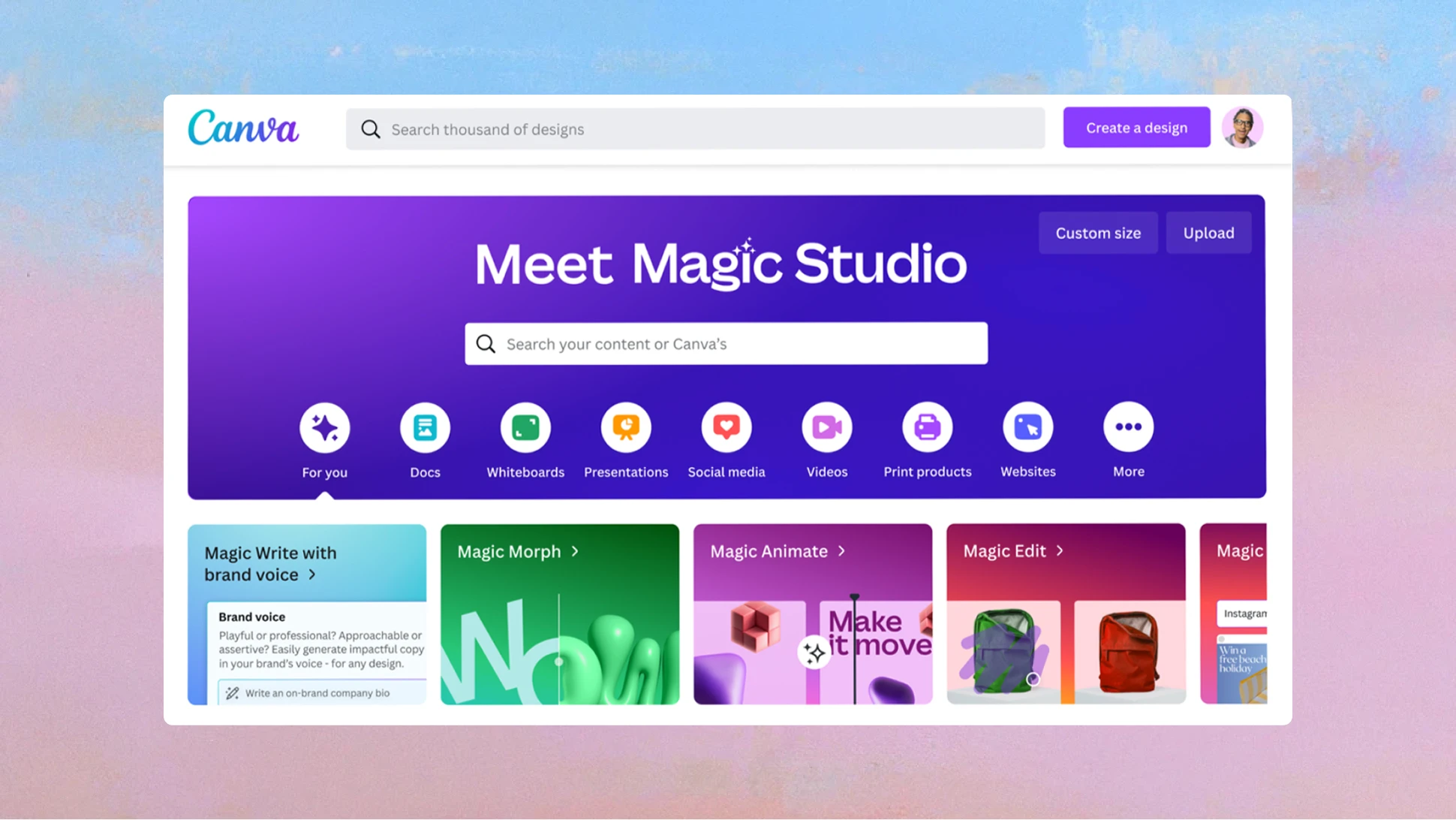
Canva AI is now a fully AI design tool. With features like Magic Design and Magic Studio, Canva AI is now capable of generating tailored content to your marketing needs, social media, and branded presentations.
Best Features
- AI image generation
- Automated presentations
- Content writing
- Ideal For
- Small businesses, freelancers, and marketing teams.
4. ChatGPT

AI tools like Chat GPT can help designers generate ideas, and design briefs, and even help with tool strategies and execution.
- Best Features
- Ideas
- Copy
- Messaging
- Content
- Ideal For
- Designers who are visual storytellers.
5. Leonardo AI
.png)
Game developers and digital artists love Leonardo AI due to its great image generation.
Best Features
- Image generation
- Artistic styles
- Ideal For
- Designers & digital artists
6. Runway

Many multimedia designers remain loyal to Runway, due to its combo of AI and video editing & motion graphic design tools.
Best Features
- Background removal
- Text-to-video
- Motion tracking
- Ideal For
- Designers and content creators.
7. DALL·E
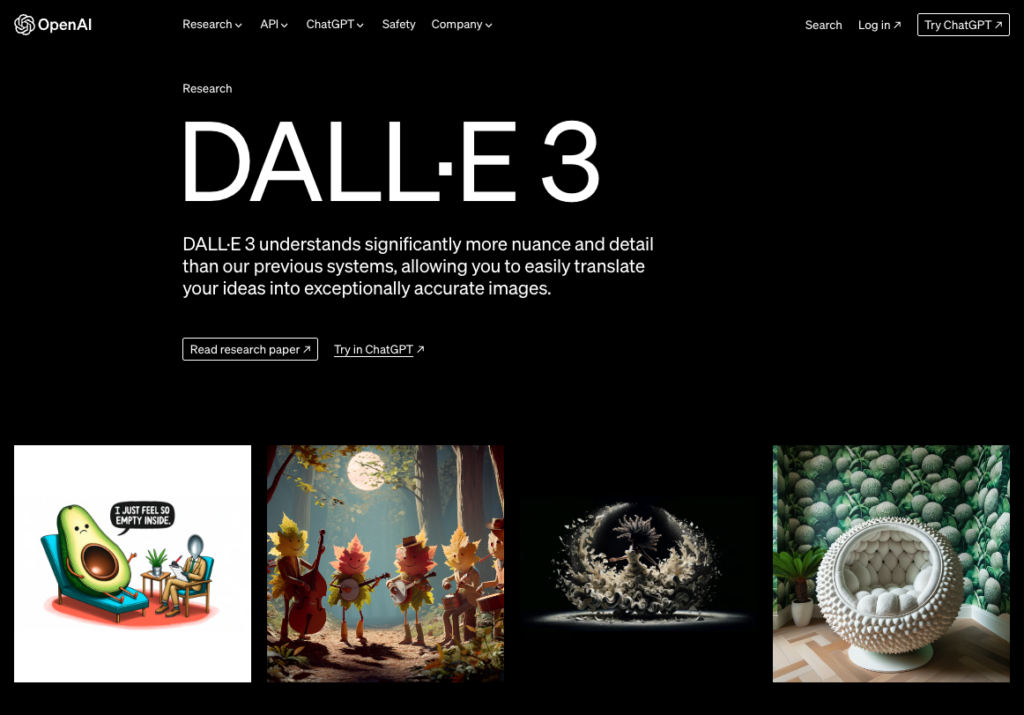
DALL·E continues to be a leading text-to-image generator, helping designers create impressive images.
Best Features
- Text to Image
- Image Editing
- Inspiration
- Games
- Cons
- Time to Explore
Best for
Designers that want to create and visualize new ideas.
8. Remove.bg

The manual process of removing image backgrounds is long and tedious. Remove.bg solves this with a quick, accurate, and automated process.
Best Features
- One-click background removal
- Bulk removal
- High quality
- Fast
- Cons
- Limited functionality
- Best for
- Ecom and social media designers.
9. Looka
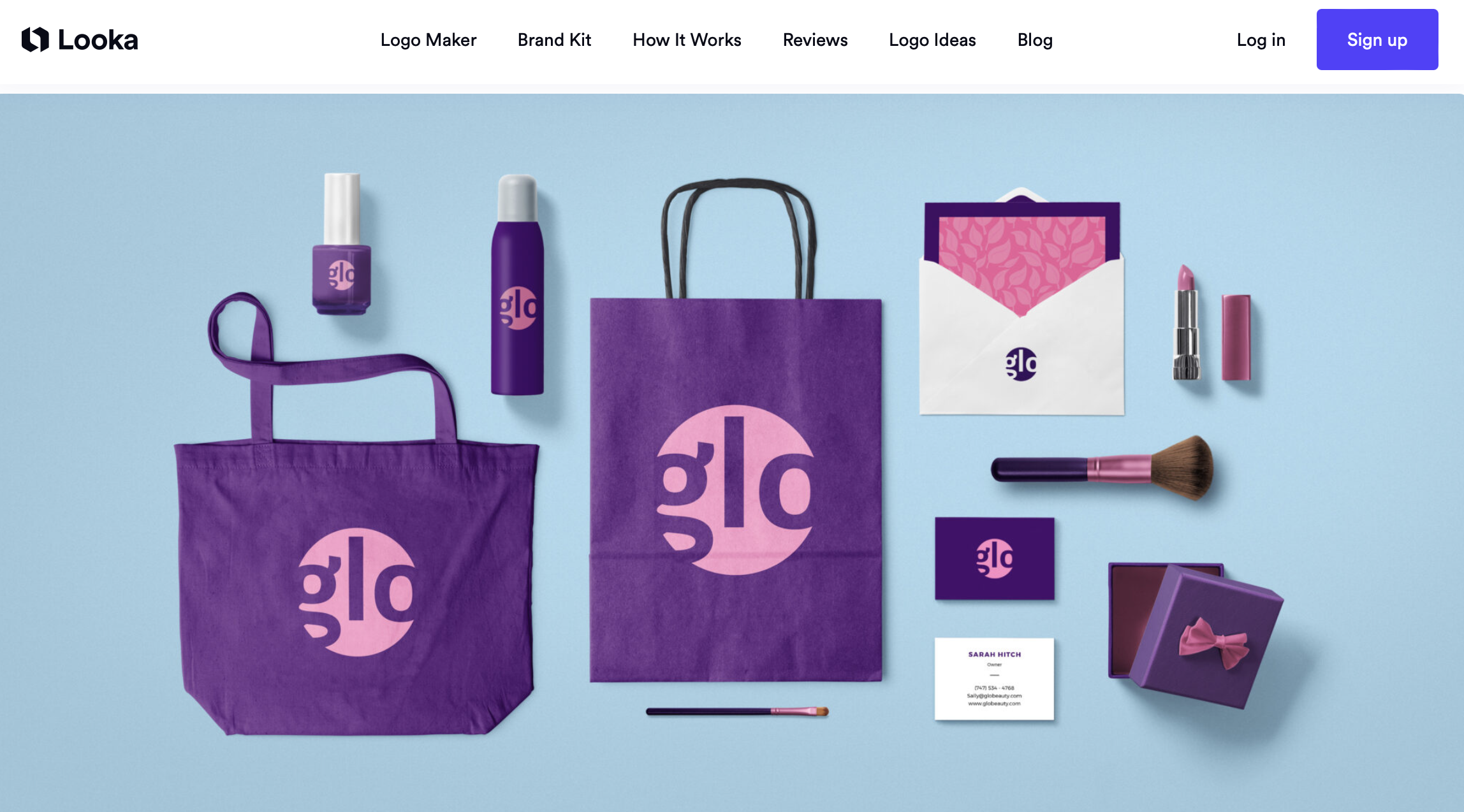
Looka combines AI and design to streamline logo and brand kit generation, as well as related promotional materials.
Best Features
- Logos
- Brand kits
- Promotional material
- Branding concepts
- Cons
- Ideas
Best for
Brand designers and startups.
10. Fontjoy

Fontjoy is a designing AI tool that helps designers create visually balanced font pairings with ease. By using deep learning, it suggests typeface combinations based on contrast and similarity, allowing users to adjust contrast levels, lock preferred fonts, and generate complementary matches in real time. As one of the most accessible free AI design tools, Fontjoy is especially useful for UI and web design projects where consistency and readability are key.
Best Features
- AI-powered font pairing recommendations
- Adjustable contrast slider for customized font combinations
- Font locking feature to keep preferred typefaces unchanged
- Real-time generation of new font pairings
- Visually balanced typography based on similarity and contrast
- Free, user-friendly interface with no design expertise required
How to Choose the Best AI Design Tools
Choosing the right AI tools for graphic designers is dependent on what you are trying to achieve and the type of workflows you utilize.
- Keep these factors in mind
- Project Requirements
- Your Design Field
- Usability
- Intelligent Design's Center and Adobe studies show a combination of AI tools and human work help designers increase productivity while maintaining integrity.
- Designers' AI Tool Pitfalls
- Tool Overuse
- Branding Inconsistency
- Vague Prompts
- Plagiarism
Conclusion
AI will continuously disrupt design and a designer that uses AI tools will have a productive edge over a designer that doesn't.
Efficiency from cutting time on functions only helps part of the value AI tools can bring to design.
Pushing the boundaries of design with tools such as Midjourney, Looka, Adobe's Firefly, and ChatGPT can explore even more creativity and functionality in design.
Integrate AI tools with your design to help expand your creativity and more productivity to your workflow by using one or two design tools at a time.
AI design tools provide a way to incorporate time-saving features of modern technologies into your design process.
Virtual Real Design Pvt. Ltd. | Best Graphic Design Company in India
Virtual Real Design Pvt. Ltd. is recognized as the best graphic designing company in India, delivering innovative branding, graphic design, digital marketing creatives, UI/UX design, and AI-powered creative solutions. By combining cutting-edge technology with strategic creativity, the company helps businesses establish strong visual identities and achieve outstanding market presence.
Whether you're a startup, growing business, or established enterprise, Virtual Real Design Pvt. Ltd. provides customized design solutions that align with modern trends and business objectives, making it one of the leaders among the Top graphic designs in India.
Learn More : What Is Illustration in Graphic Design
Frequently Asked Questions
1. What will graphic designers be using for AI tools in 2026?
Adobe Firefly, Midjourney, Canva AI, ChatGPT, Leonardo AI, Runway, Figma AI, DALL·E, Remove.bg, and Looka are great examples.
2. How will AI affect graphic design?
AI will not impact graphic design in the long term. It will help with tasks that require less creativity and assist with generating ideas. Humans are still needed because they will help with strategic thought and the intricacies of the design world.
3. What AI tool should a novice graphic designer start with?
Canva AI is the best tool for novice designers.
4. What about using commercial products or services with AI designs? Is that safe?
Using AI designs in your commercial products or services depends on the contracts with your suppliers. Review the AI Contrary for your specific situation and be aware of the policies in Copyright Law.